
Number of Judges
Run multiple independent LLM evaluators per property and aggregate their results to reduce variance on high-stakes scores.
LLMs are inherently non-deterministic - the same prompt can produce slightly different scores across calls. For most properties, a single judge is accurate and cost-effective. For properties that drive important decisions, you can increase reliability by running multiple independent judges and aggregating their outputs.
Configuration options
You set the number of judges per property when creating or editing it. The setting is saved with the property definition and applies to every evaluation.
| Option | How it works |
|---|---|
| 1 (default) | A single LLM call. Identical to standard behavior. |
| 3 | Three independent calls, aggregated into a single result. |
| 5 | Five independent calls, aggregated into a single result. |
| 3 + Orchestrator | Three independent judges, then a stronger model reviews all three outputs and produces a refined final decision. The most reliable option for complex or subjective properties. |
Cost and latency: More judges mean more LLM calls. The 3 + Orchestrator option also uses a stronger model for the final synthesis step, which increases cost more than the others.
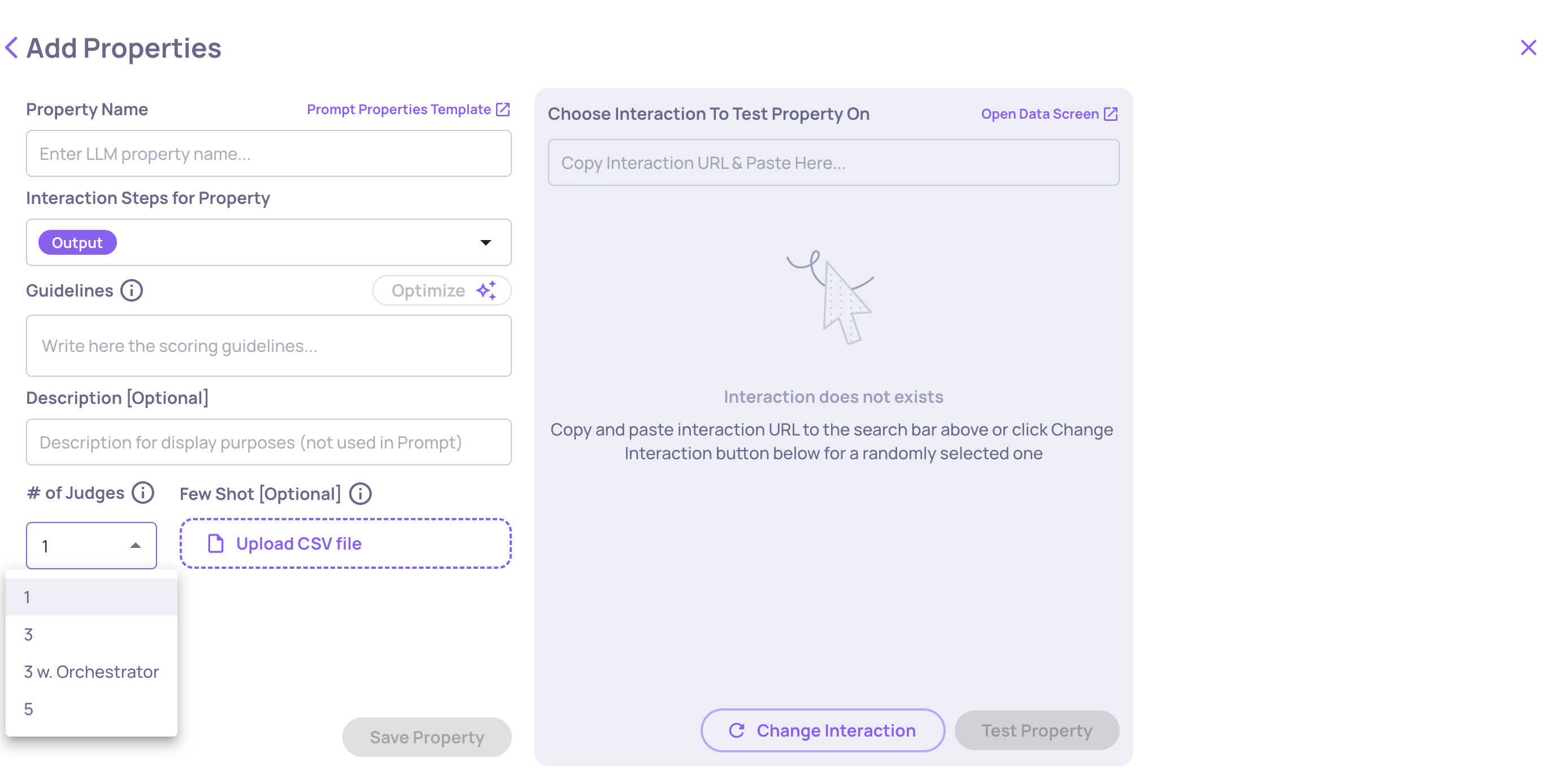
Number of Judges configuration
When to use multiple judges
Single judge - Good default. Fast and cost-efficient for most properties.
3 or 5 judges - Use when a property drives annotations, dashboards, or alerts and you need stable scores across similar interactions.
3 + Orchestrator - Use for properties that are highly subjective, have nuanced criteria, or where evaluation disagreements are common. The orchestrator model reviews conflicting outputs and produces a more considered result.
Updated 4 months ago