
Deepchecks API Key
Deepchecks uses API keys to securely authenticate your actions across the platform. Each API key is unique to a user and allows you to access Deepchecks programmatically, whether you’re uploading data, running checks, or integrating Deepchecks into your workflows.
Accessing Your API Key
To retrieve your Deepchecks API key:
- Click on your user name in the bottom left of the Deepchecks app.
- Select API Key from the menu.
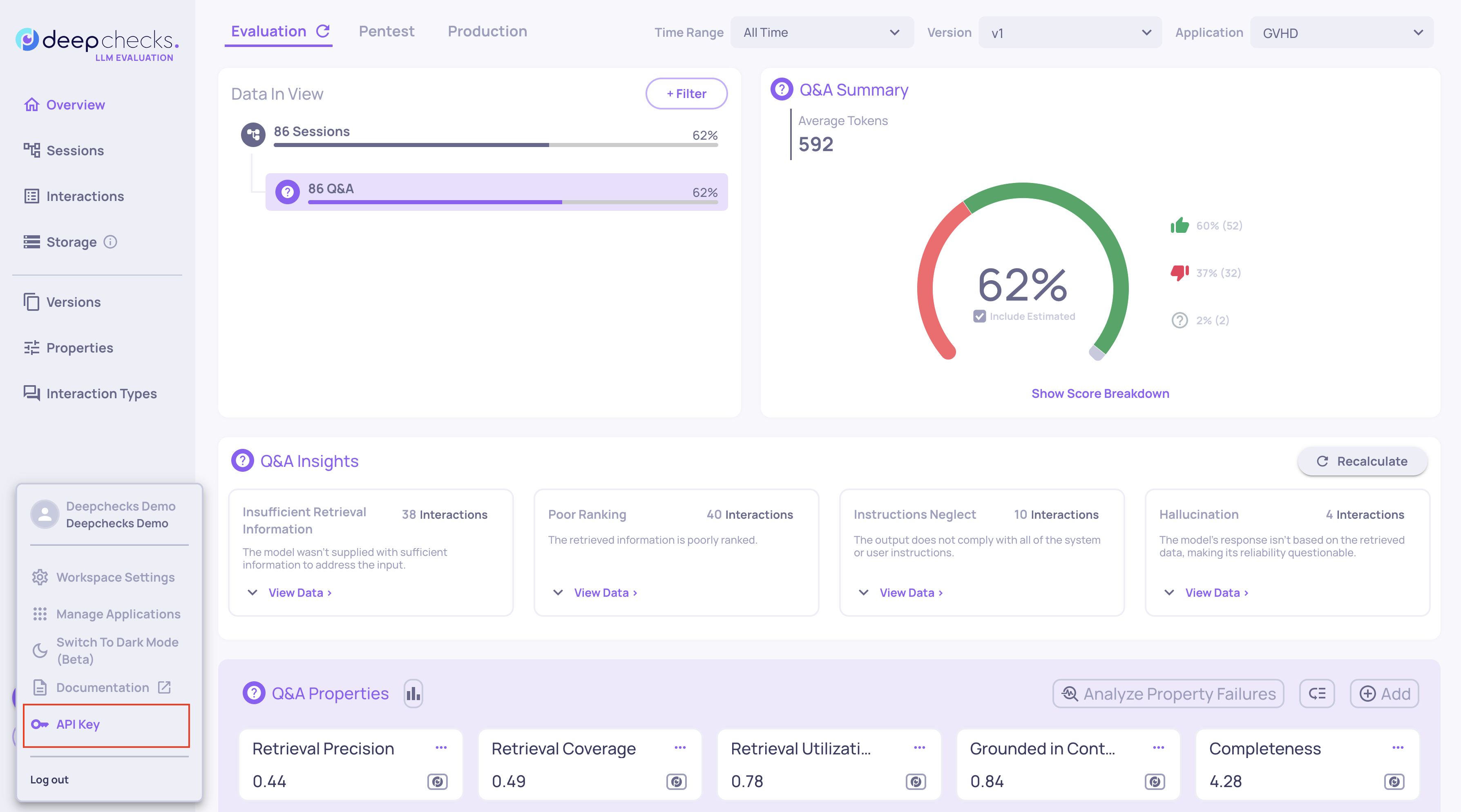
Here, your API key will be displayed, but masked for security.
Options for Using Your API Key
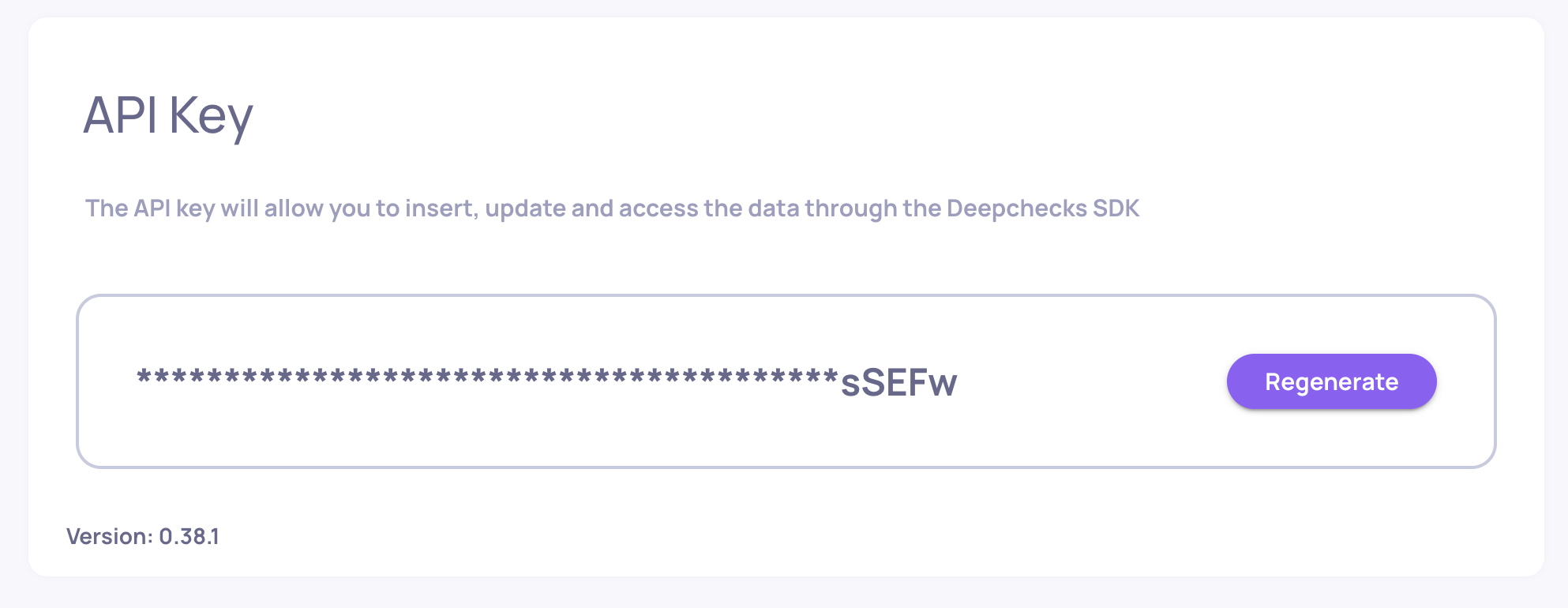
Verify using visible letters:
The last characters of the key are visible - use them to confirm that a key in your environment matches your Deepchecks API key.
Regenerate your key:
If needed, you can regenerate your API key. Once regenerated, the new key is fully visible until you leave the screen, allowing you to copy it safely.
Before regenerating your API keyBe cautious when regenerating your API key. Your current key may be in use for existing workflows such as uploading production data. Regenerating it will invalidate the old key, potentially causing errors in those flows.
Where You Can Use Your Deepchecks API Key
Once you have your API key, it can be used across all Deepchecks workflows:
- Python SDK: Authenticate when running checks or uploading datasets.
- REST API: Perform programmatic operations on your account.
- CI/CD pipelines: Integrate checks and monitoring into your automated workflows.
Best Practices
- Treat your API key like a password - keep it secure.
- Only regenerate keys when necessary.
Updated 4 months ago