
Interaction and Session Completion Status
See at a glance whether your interactions and sessions have finished processing or are still in progress.
Overview
To help you track processing progress, Deepchecks shows whether each interaction or session has finished all analysis steps. Status indicators let you quickly see which data is fully processed and ready for review.
Interaction Status
Each interaction is marked with one of two statuses:
In Progress - The system is still running one or more analysis steps.
Completed - All analysis steps have finished, and the interaction is fully ready for review.
Partial - One or more analysis steps failed or became stuck, meaning the interaction will not progress further without intervention.
Analysis steps may include property calculations, annotations, topic inference, similarity checks, and other configured processes.
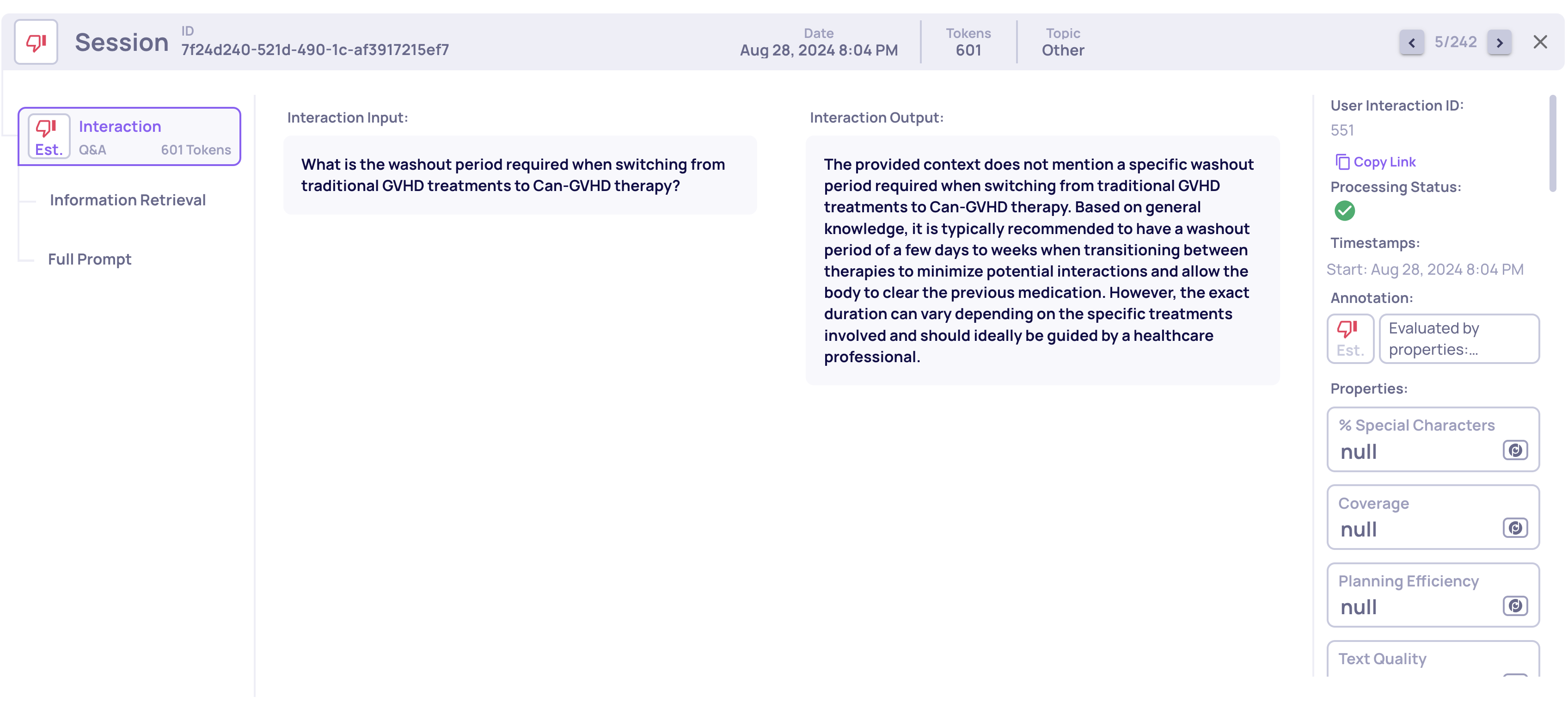
An interaction with a "completed" processing status (can be seen on the right of the screen)
Session Status
Each session’s status reflects the state of its interactions:
In Progress - At least one interaction in the session is still "in progress".
Completed - All interactions in the session are marked as "completed"
Partial - At least one interaction in the session is marked as "partial".
Where to See Status
Single Interaction View - At the top of each interaction, you’ll see an icon indicating whether it’s in progress, completed or Partial.
Interactions List - Each interaction in the list shows a status icon with hover text.
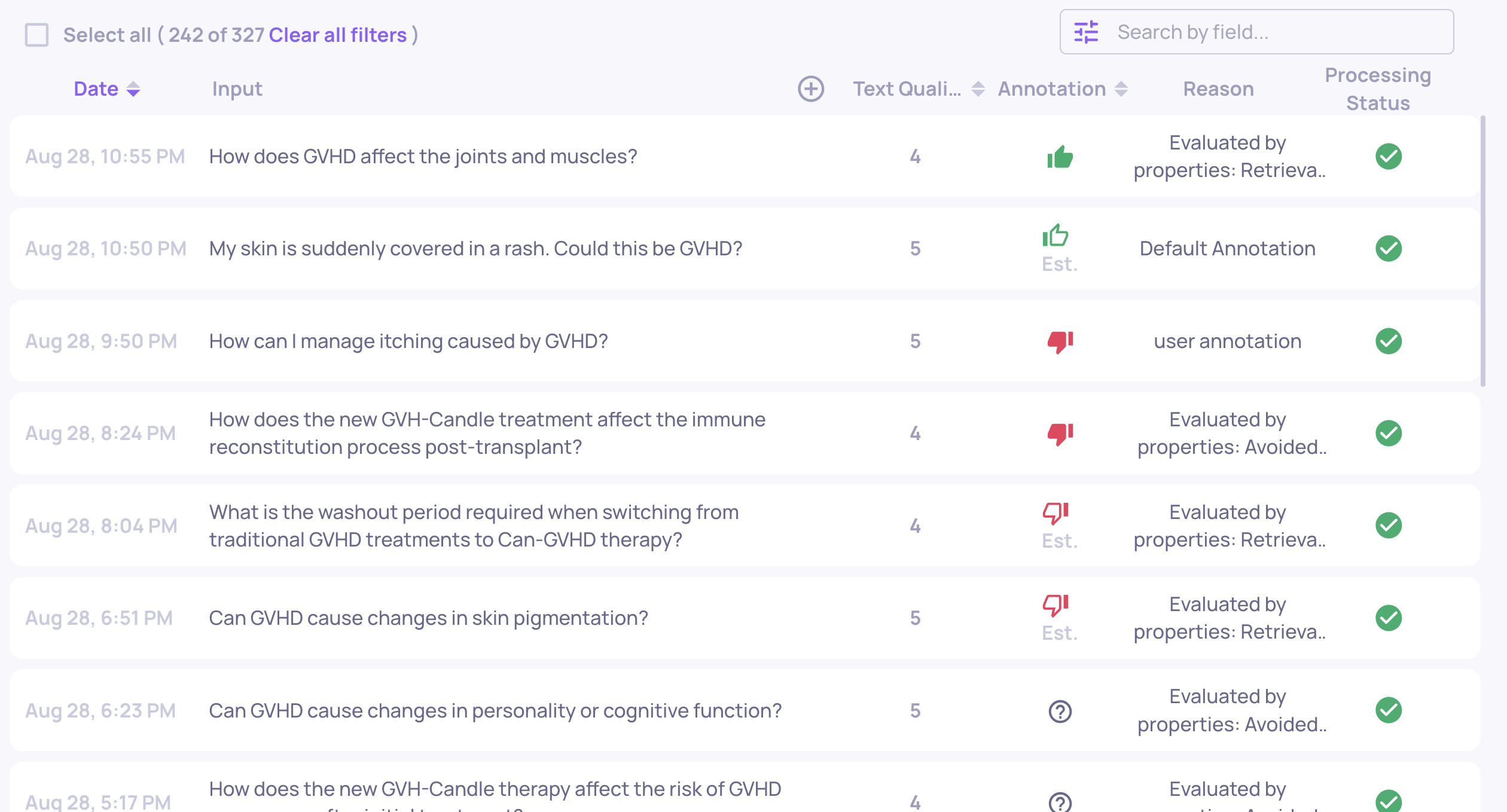
Interactions list with the processing status for each interaction
Sessions List - Each session shows its overall status with a single icon, indicating whether it’s In Progress, Partial, or Completed.
Updated 4 months ago