
Access Controls in Deepchecks
Overview
Deepchecks uses a role-based access control (RBAC) model. Each user is assigned a role that determines what they can and cannot do in the system. Every role automatically includes all permissions of the roles below it, plus some additional capabilities.
Roles and Permissions
MetricsViewer
- Can view metrics and aggregated views
- Cannot access anything that contains raw data
Viewer
Includes all permissions of MetricsViewer, plus:
- Can view and access raw data
- Cannot upload data, create or edit properties, or change configurations
Member
Includes all permissions of Viewer, plus:
- Full write access to the application
- Can upload data
- Can create and modify properties
- Can update other configuration elements within applications
Admin
Includes all permissions of Member, plus:
- Can access Workspace Settings
- Can view, invite, remove, and manage users
- Can view and manage usage and billing-related information
- Can view organization-level logs
Owner
Includes all permissions of Admin, plus:
- Can manage additional system-level configurations with a dedicated Owner panel
- Can enable and disable platform flows and core features
- Has the highest level of control within the organization
Managing Roles
Only Admin and Owner roles can manage user permissions within an organization.
Roles can be assigned or modified in two ways:
- When inviting a new user - Admins and Owners can assign the user's designated role during the invitation process.
- For existing users - Admins and Owners can change a user’s role via the Users tab in Workspace Settings.
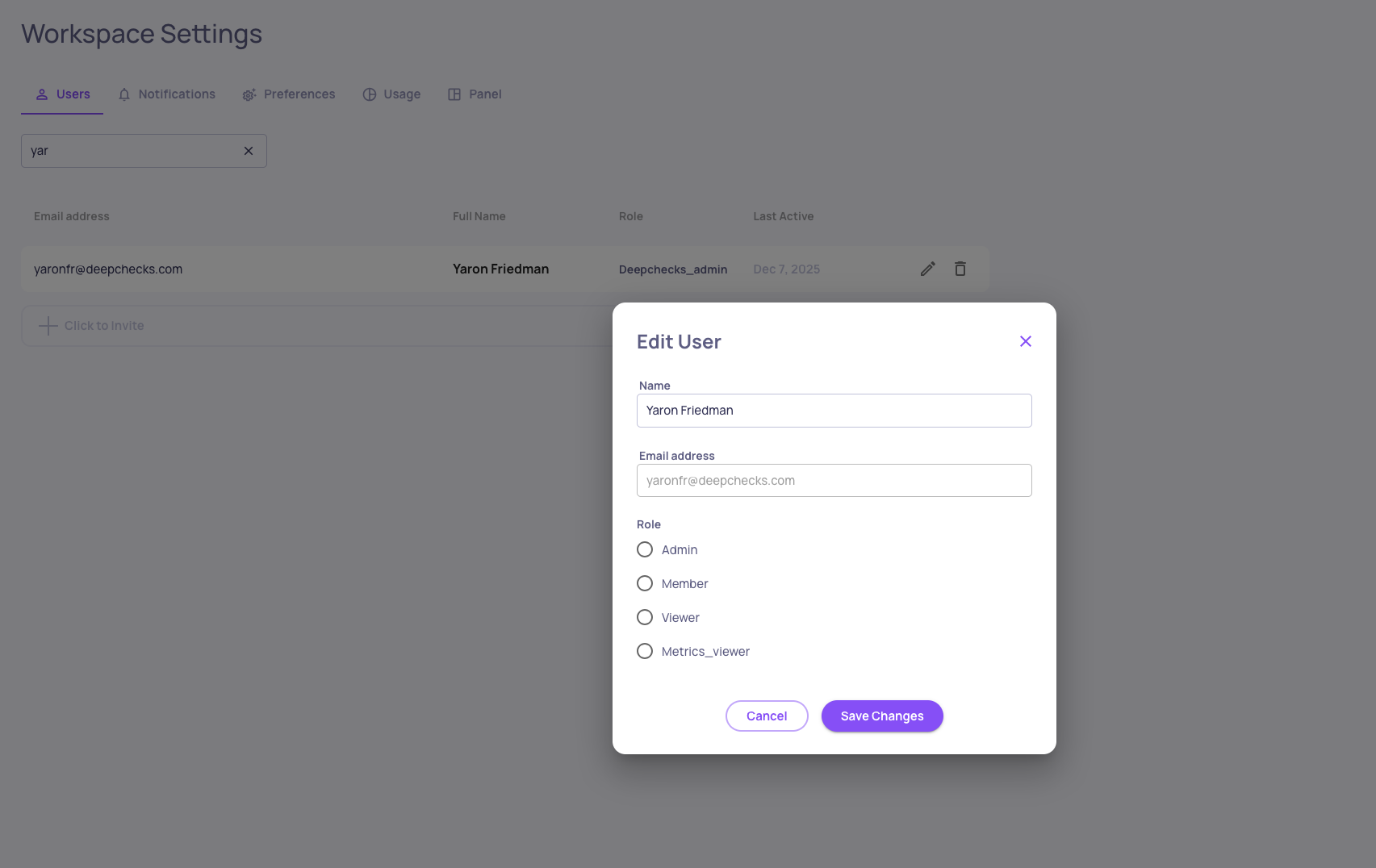
Owner Workspace Settings screen + Editing a user's role
Default Owner Assignment (AWS SageMaker & On-Prem Deployments)
In SageMaker and On-Prem deployments, the first user created in the organization is automatically assigned the Owner role. This ensures that there is always at least one user with permission to:
- Invite additional users
- Assign roles
- Configure critical organization and system settings