0.37.0 Release Notes
We’re excited to announce version 0.37 of Deepchecks LLM Evaluation — featuring enhanced Agent Execution Flow Graphs, flexible span-to-interaction mapping, comprehensive version-level failure mode analysis, CloudWatch integration, and improved hierarchical views. This release helps users navigate complex agentic workflows, consolidate failure insights, and monitor metrics with even greater clarity and control.
Deepchecks LLM Evaluation 0.37.0 Release:
- 🕸️ Enhanced Agent Execution Flow Graph
- 🔄 Map Spans to Custom Interaction Types
- 📊 Version-Level Failure Mode Summary
- ☁️ CloudWatch Integration for Metrics
- 📂 Collapsible Trees in Hierarchical Views
What's New and Improved?
Enhanced Agent Execution Flow Graph
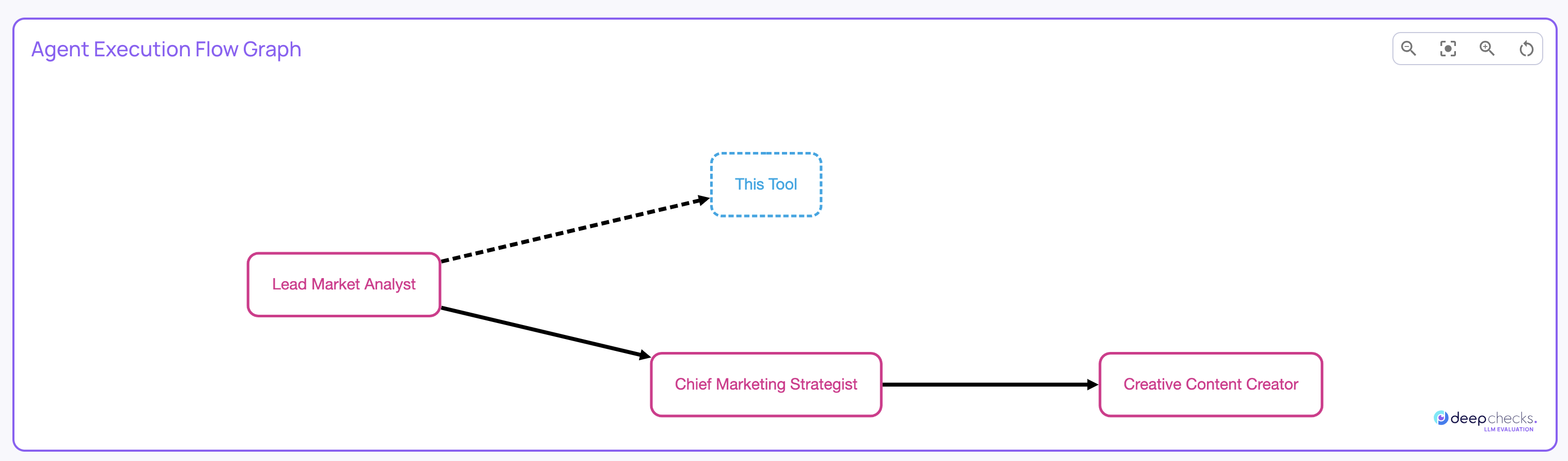
The Agent Execution Graph now offers more interactivity and insights:
- Clicking a node filters the Interactions screen to that specific node.
- Hovering over nodes or edges shows metadata across all filtered runs.
- Node and edge styles indicate consistency: solid lines appear in all filtered runs, dashed lines if only in some.
Map Spans to Custom Interaction Types
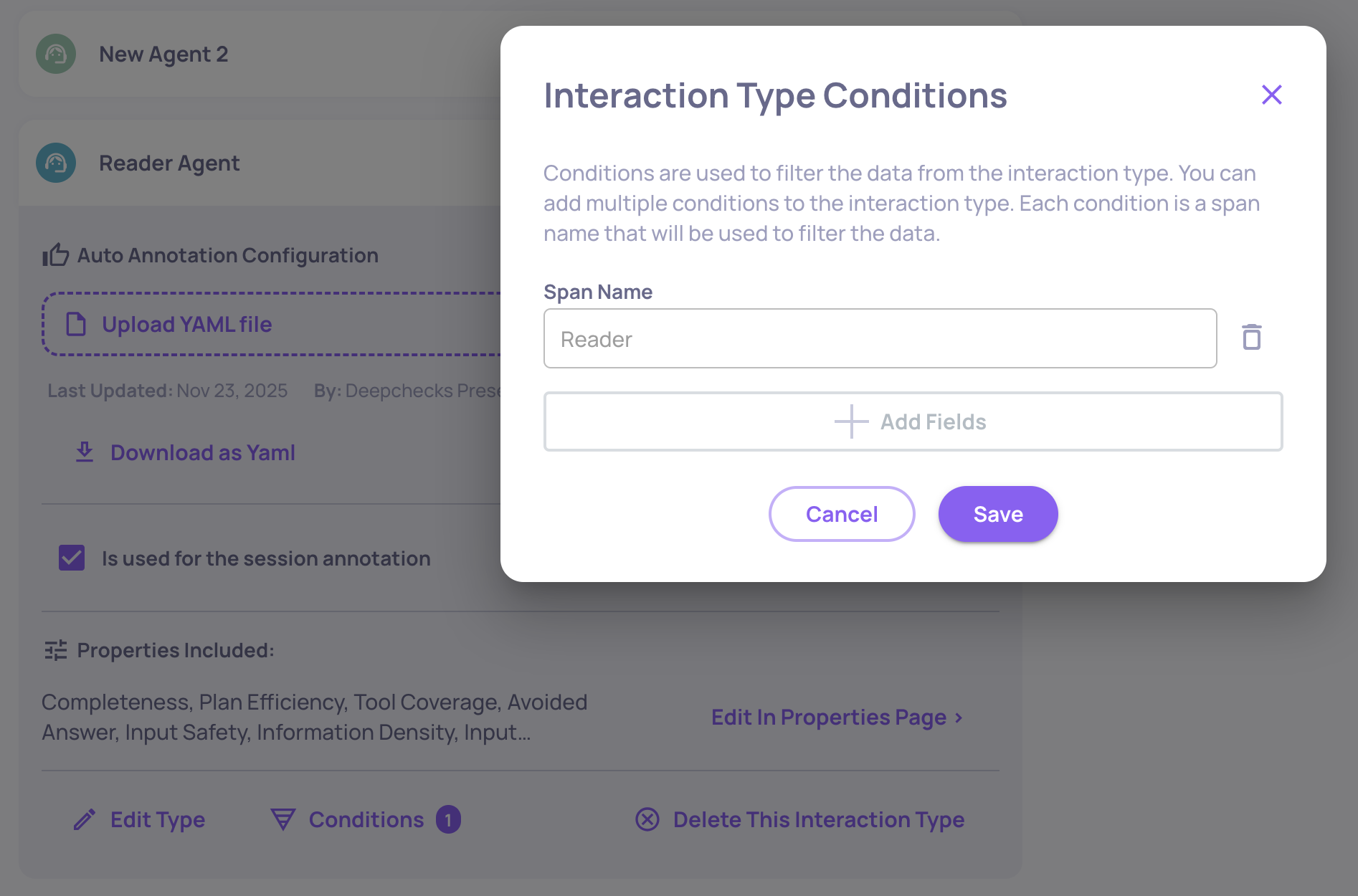
You can now assign specific span names to custom interaction types, overriding default mappings. This allows spans with the same kind to have distinct properties or auto-annotation rules, for example, mapping a “Reader” span and a “Writer” span to separate interaction types. For more details, click here.
Version-Level Failure Mode Summary
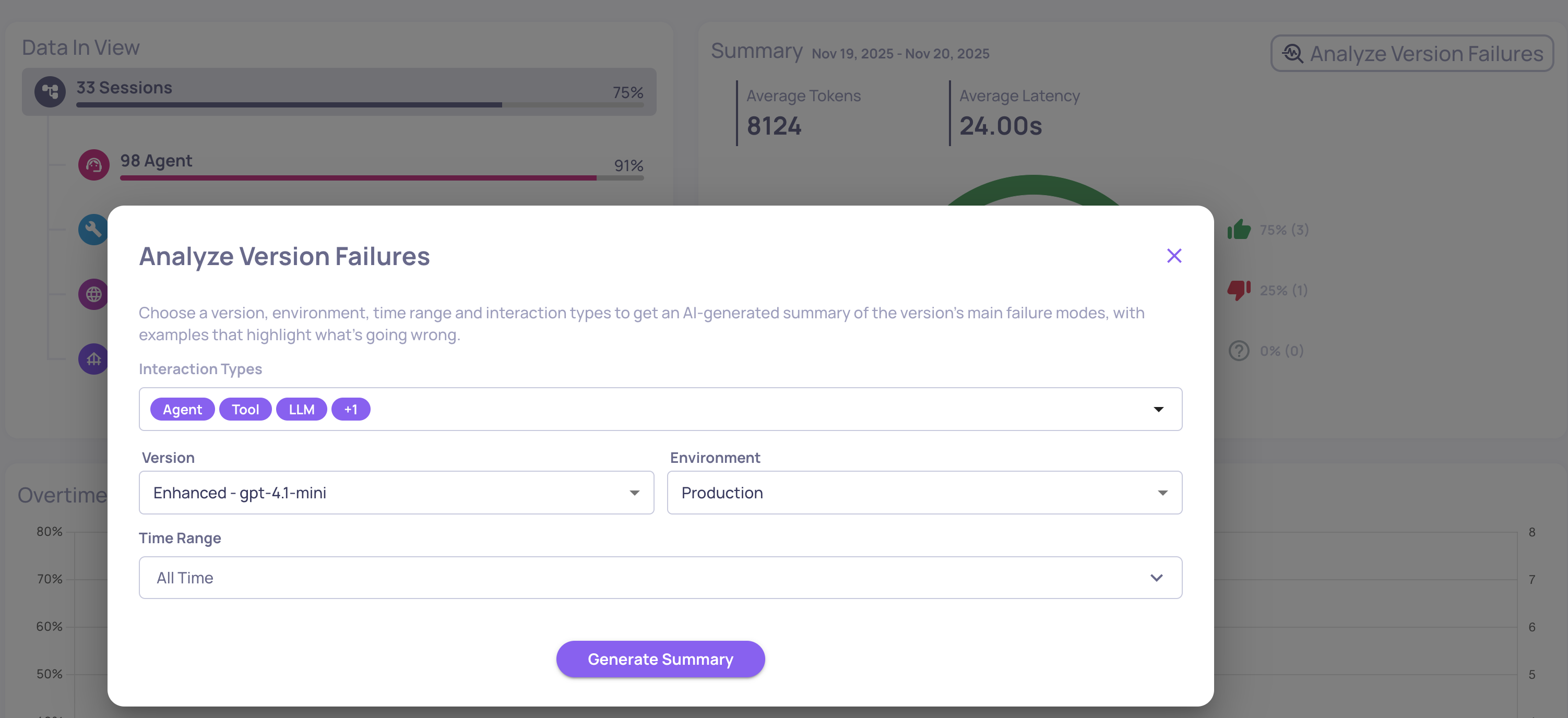
In addition to property-level insights, Deepchecks now generates a **version-level failure mode analysis report. **It aggregates failures across all interaction types and selected properties, providing a consolidated view of dominant issues in the system. Ideal for spotting cross-cutting problems, prioritizing improvements, and detecting regressions. Access this from the Version page via “Analyze version failures.” For more information, click here.
AWS CloudWatch Integration
Deepchecks can now send monitoring data and LLM evaluation metrics directly to AWS CloudWatch. SageMaker users benefit immediately, with metrics appearing in CloudWatch dashboards and alarms without any additional setup. For more details click here.
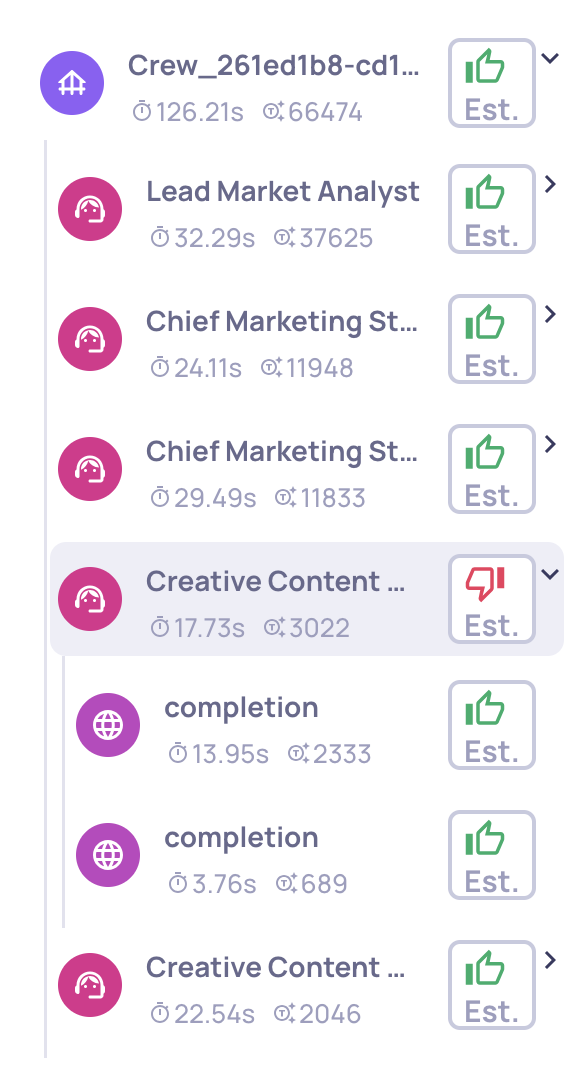
Collapsible Trees in Hierarchical Views Hierarchical use cases now include collapse buttons, making it easier to navigate and focus on relevant branches of your workflows.