DocumentationAPI ReferenceRelease Notes
DocumentationLog In
Release Notes
These docs are for v0.12.0. Click to read the latest docs for v0.38.0.

0.8.0 Release Notes

by Shir Chorev

This page includes updates from our 0.8.0 Release, which includes new features, stability and performance improvements.

Deepchecks LLM Evaluation 0.8.0 Release

  • 🧮 Estimated score & Annotated score
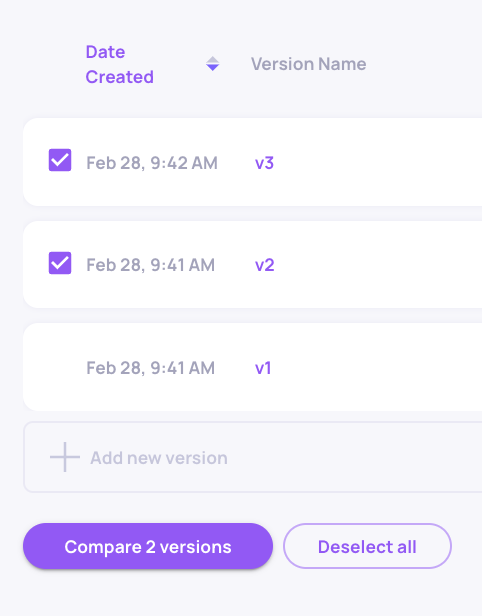
  • 🪞New Versions Screen incl. Per-version Metrics (Score & Properties)
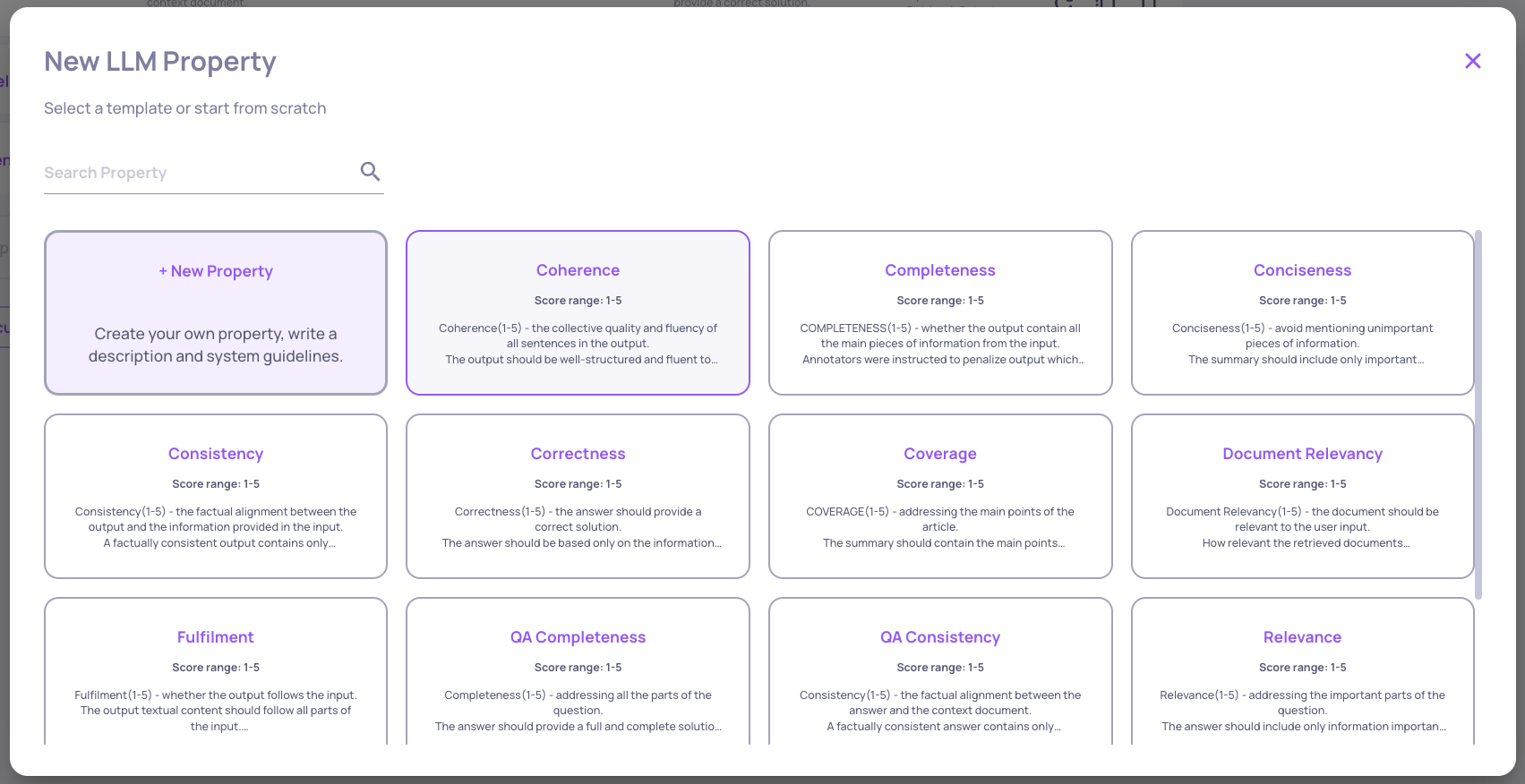
  • 💬 LLM-based properties support
  • 🔄 Auto-annotation pipeline updates & rerun capability
  • 🎨 Sidebar redesign
  • 👀 Calculation in progress status for properties, topics and segments

What's New and Improved

  • Estimated Score & Annotated Score

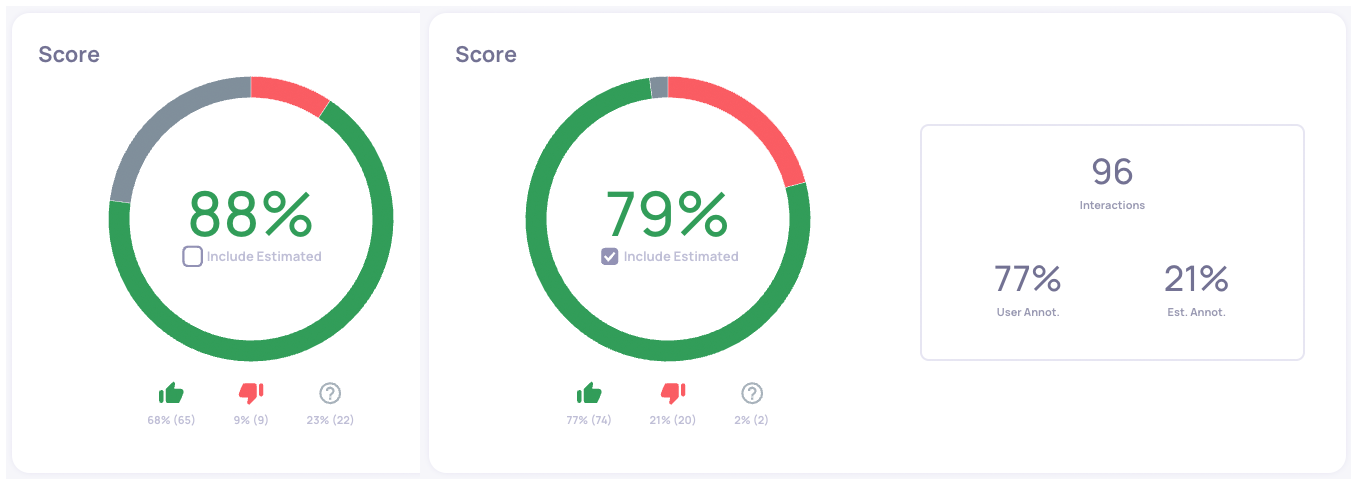
    • The Overview Screen (and in next version also the Versions Screen) enables seeing the overall score both with and without deepchecks' estimated annotations.
      For example, in the following app, 21% of the interactions that didn't have user annotations (in grey) do have estimated annotations, and the score is updated accordingly.

      Score with and without estimated annotations  
By default, estimated annotations are included

      Score with and without estimated annotations
      By default, estimated annotations are included

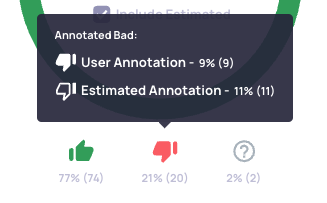
    • Hover on the annotation enables to see the annotations detailed aplit

  • Versions Screen

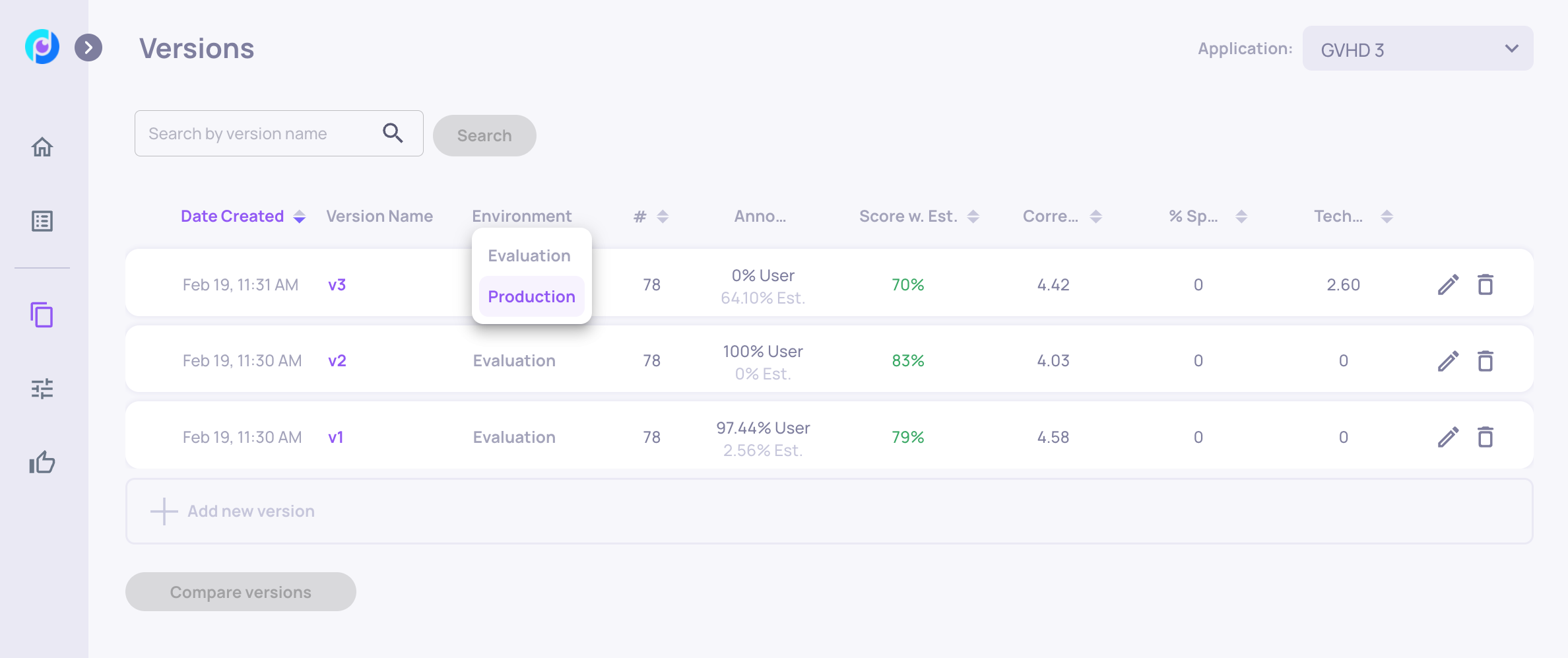
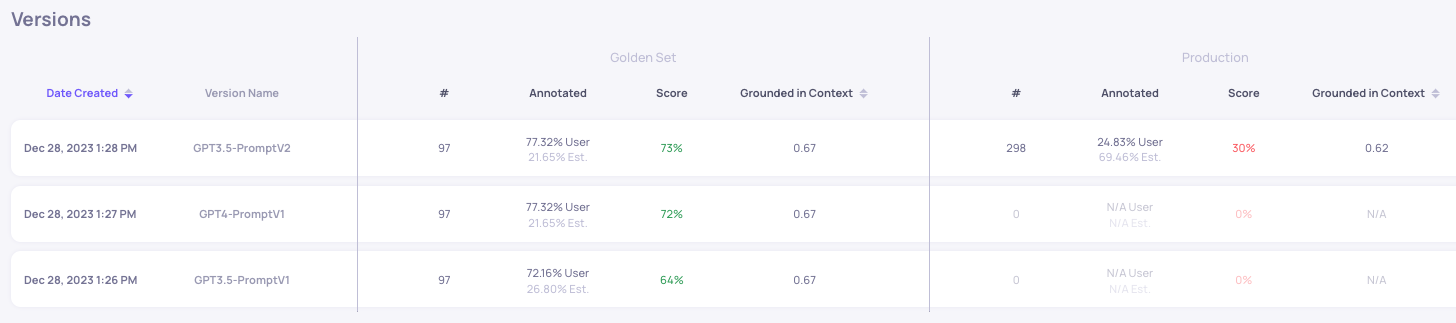
    • The new versions screen replaces the "data management" screen, and enables metric comparison. This includes: Score & Property values for the production and golden set datasets for each version.

    • Versions can be sorted according to: creation date, last modified date, score or property values. Clicking on a version will open the Overview page of the corresponding application version.

  • LLM Properties

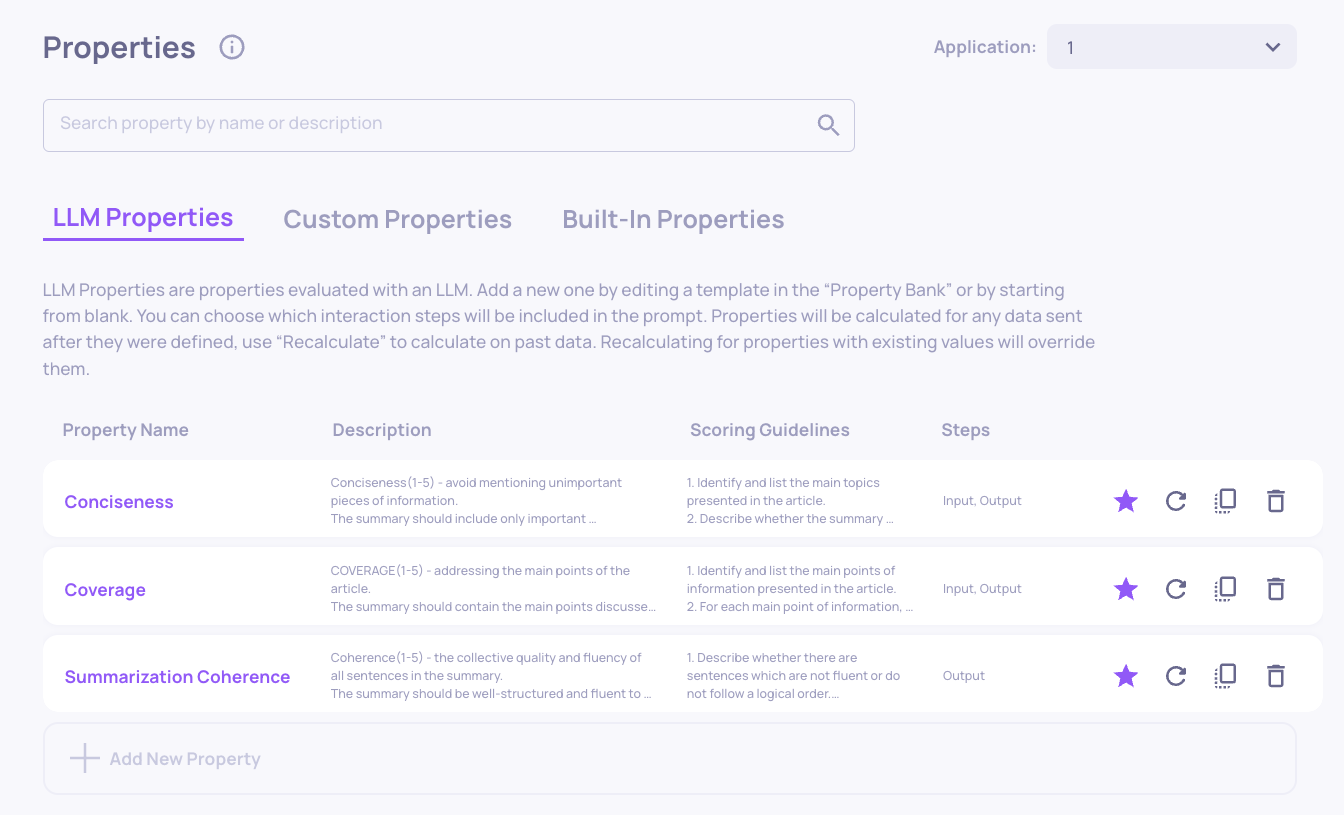
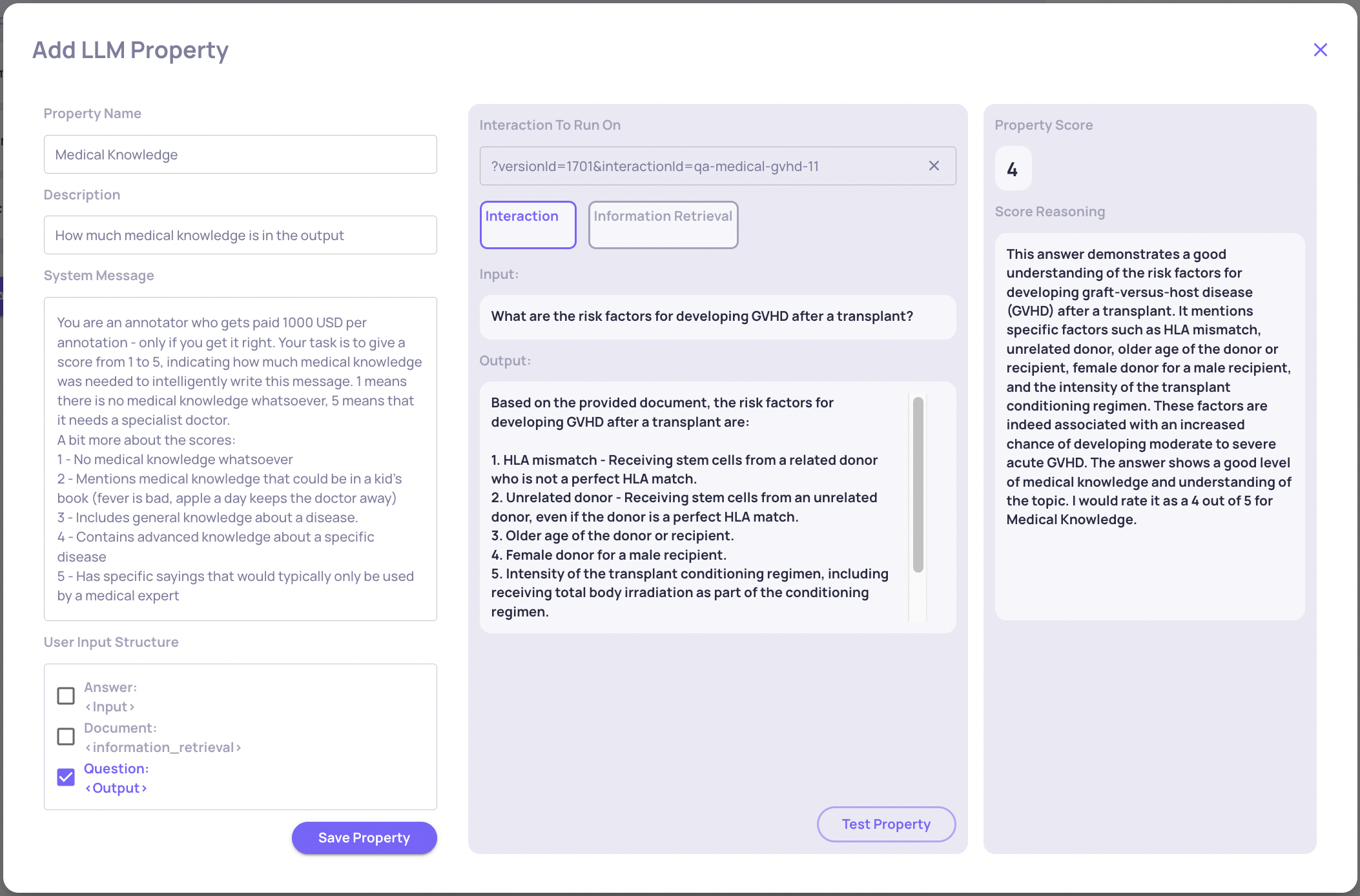
    • LLM-based properties are now supported. They can be customized in the "Custom Properties" Screen. See the LLM Properties docs for more details.
    • Note: LLM-properties calculation are limited to 5K interactions*properties per day and to 20K and per month (e.g. for 1000 interactions with 5 LLM-based properties defined: all will be calculated. If more, than only first 5000 calculations will return property values).
  • Auto-annotation pipeline updates & rerun capability

    • Auto-annotation pipeline can now be triggered to rerun, for example after new configuration is uploaded:

    • Conditions on categorical values are now supported in auto-annotation YAML config.

    • 📘

      New YAML Structure for Auto-annotation Pipeline

      In order to update auto-annotation configuration for new applications, YAML should be downloaded from the config page and edited accordingly. If you have manually saved aside YAML files from previous versions, they won't be supported as-is. To replace them: open the auto annotation config page for the relevant application version and download the configuration in the new format (it will be updated with your customizations if you'd made any).

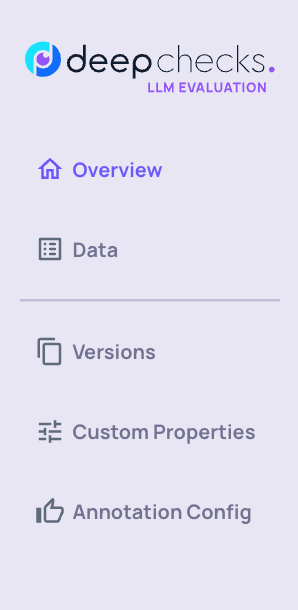
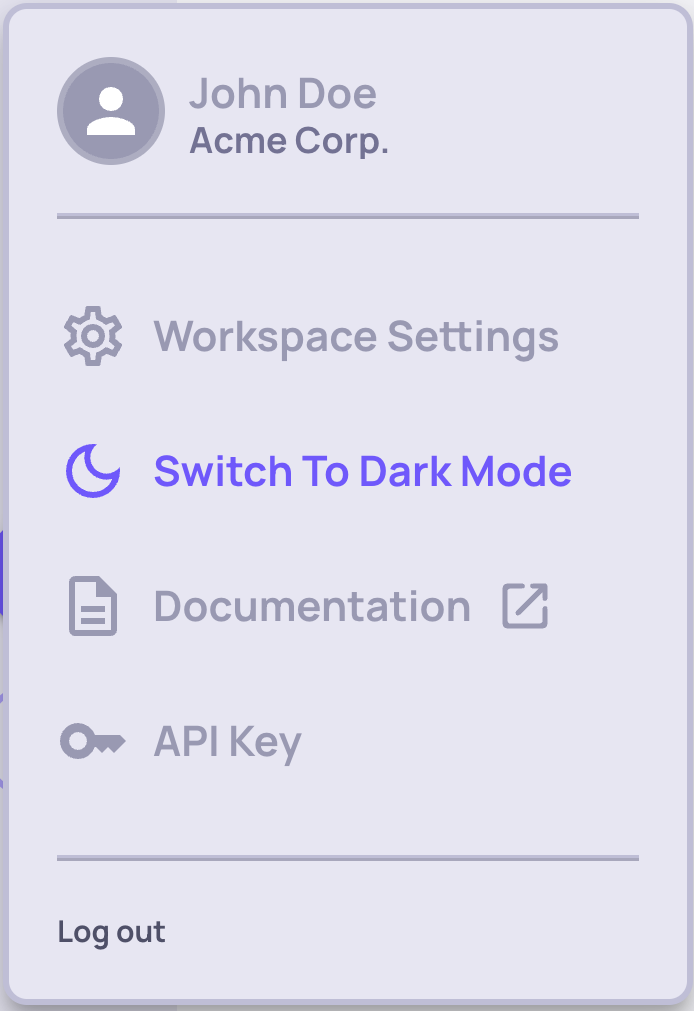
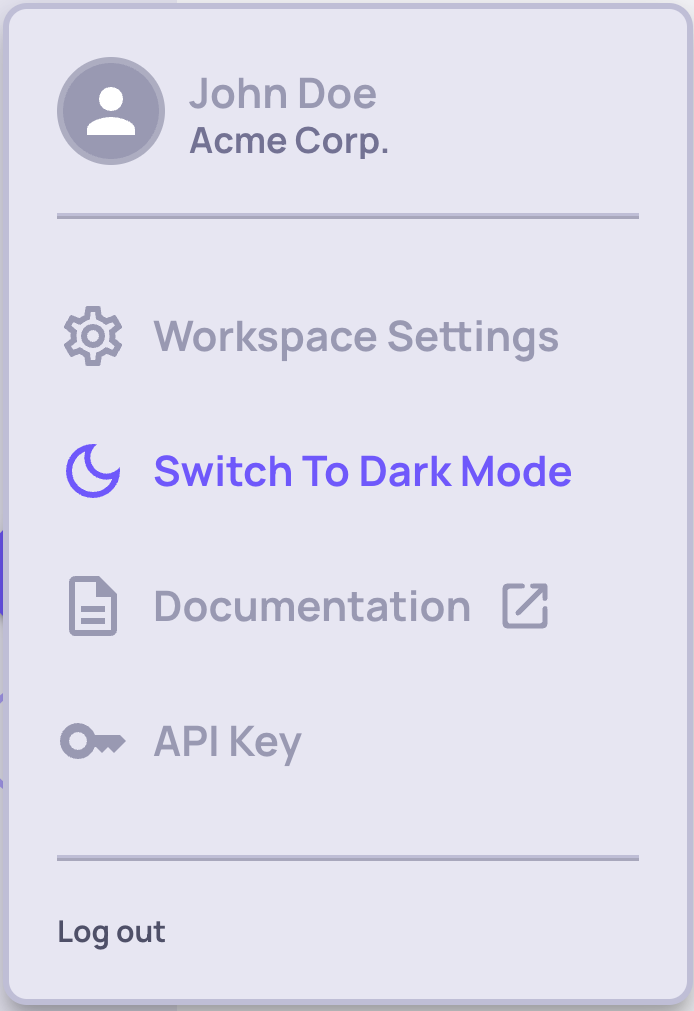
  • Sidebar Redesign

    • Sidebar structure updated for more convenient browsing

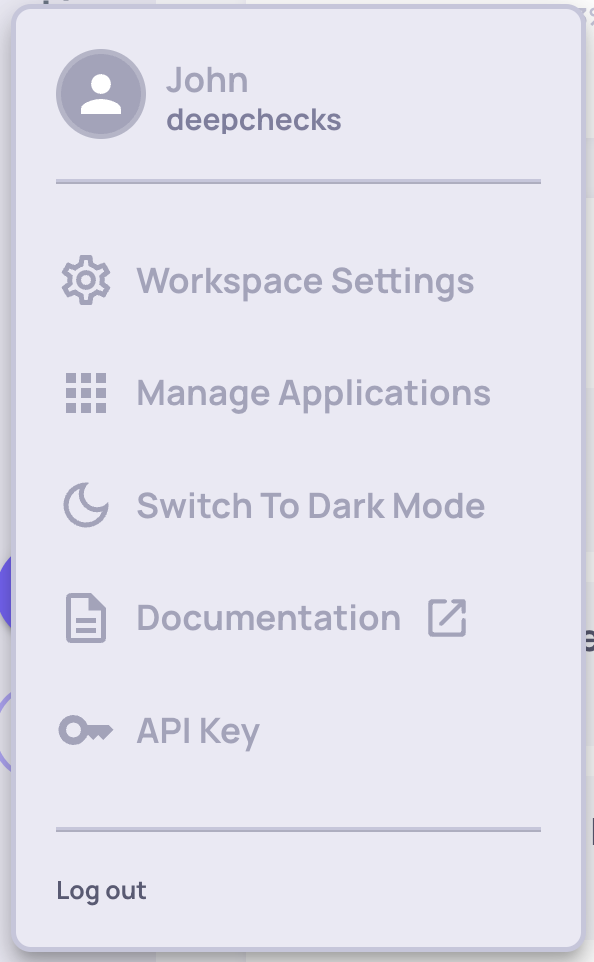
    • Workspace settings, API key & more are now accessible in a sidebar that opens up when selecting the user icon

  • Calculation in progress status

    • Status in system can now be distinguished between "No Value" since the result is N/A or there is not enough data for calculation (e.g. not enough interactions sent for topic calculation), and "Calculation in progress". This is relevant for: Topics & Segments, and status for each is updated accordingly.
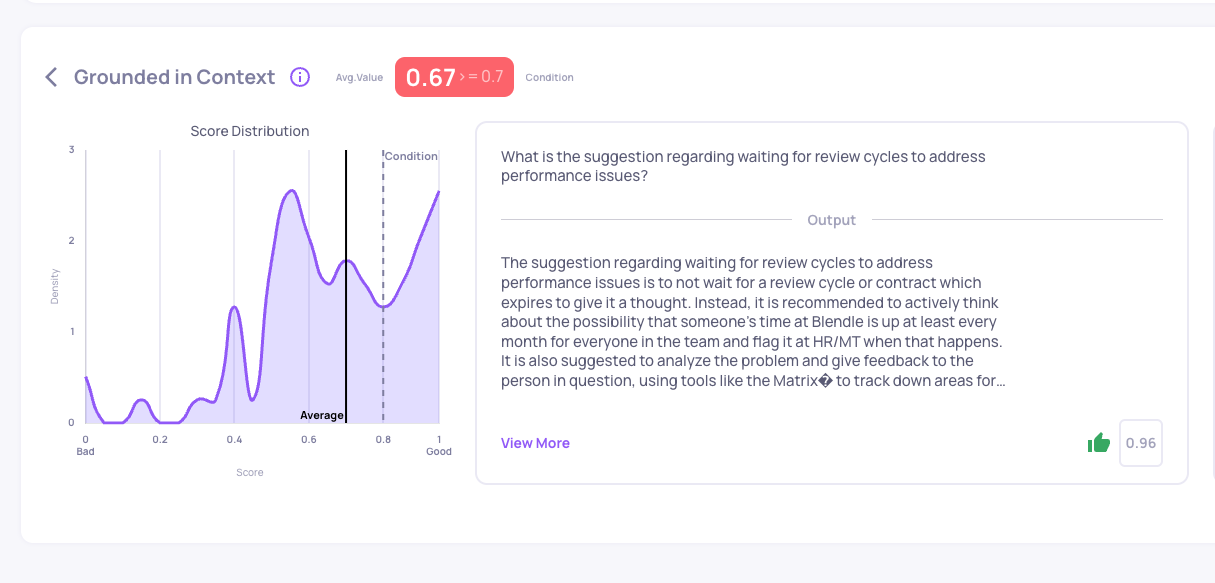
    • For properties: when property values are N/A, or when they are still in calculation, the following view will be displayed in the Overview screen:

0.7.0 Release Notes

by Shir Chorev

This page includes updates from our 0.7.0 Release, which includes new features, stability and performance improvements.

Deepchecks LLM Evaluation 0.7.0 Release

  • 👍👎 Annotation capabilities and filtering
  • 🤓 Improved view for interaction
  • 👯‍♂️ Similarity based comparison on user-given IDs
  • ⌛️ Pending status for samples that are in the auto-annotation pipeline
  • 𝍈 Dark Mode in Beta
🚧

Note: Breaking Changes

There are several breaking changes in the SDK and Rest API integrations with Deepchecks LLM Evaluation in this release. Please consult the 0.7.0 API Changes (breaking 0.6.0) guide for more information.

What's New and Improved

  • Annotation capabilities and filtering
    • Download and Annotate Flow: Deepchecks now supports updating annotations in csv, and re-logging the samples to the system. If identical samples are uploaded to the system, they won't be duplicated, but rather their annotation values will be overriden, allowing the user to download all samples / any selected subset, annotated offline, and update new results to the same application version.
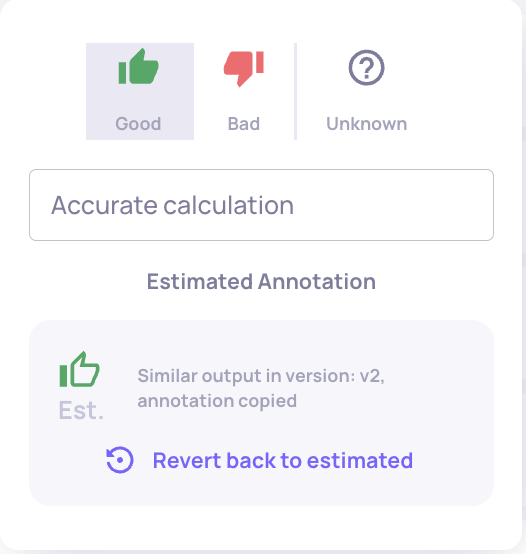
    • User-logged annotations within system include the ability to log a textual reason
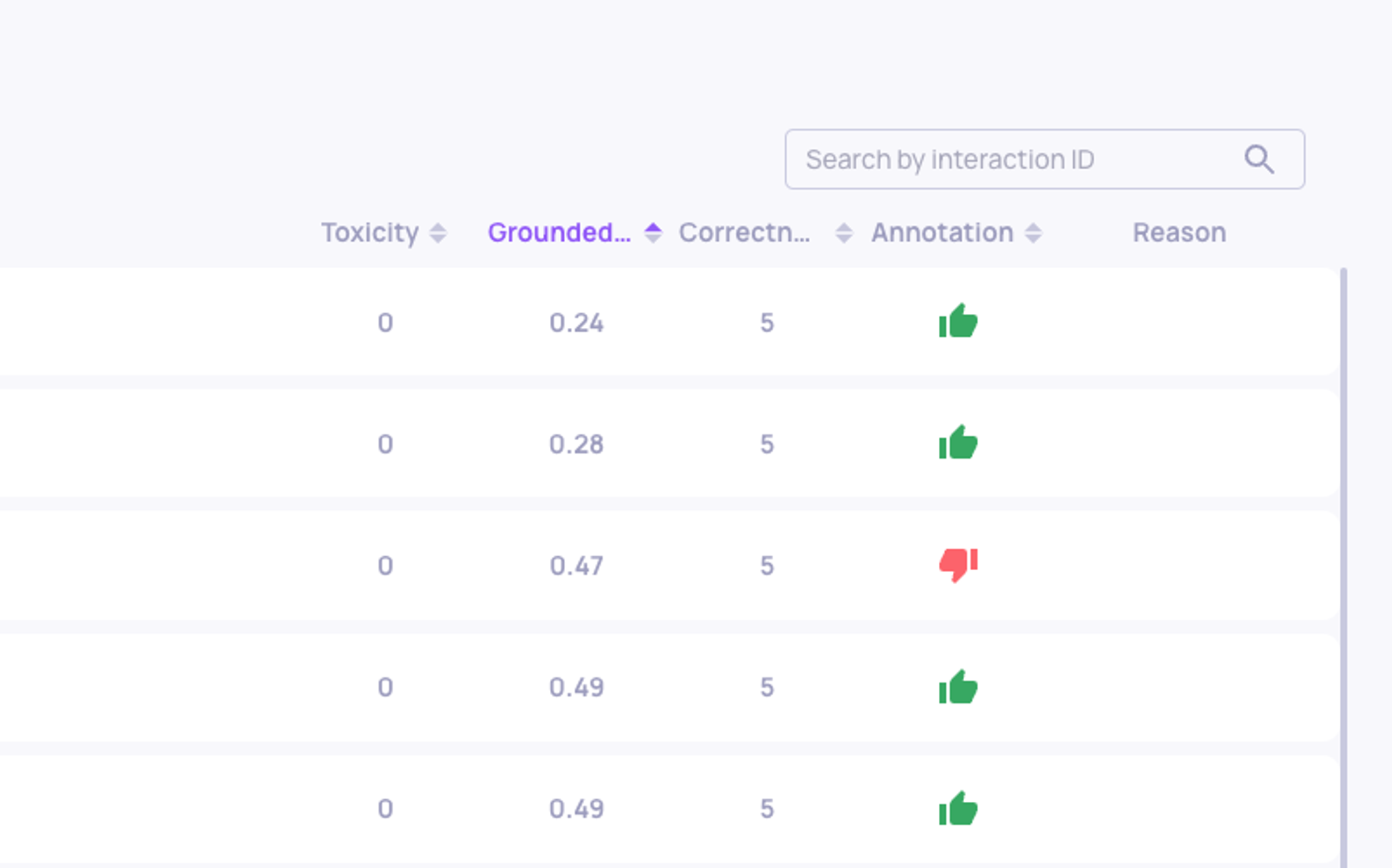
    • Annotations and estimated annotations can be filtered according to reason type, with the new "Reason" column in the data page.
    • Annotations can be viewed and updated both from data screen and from individual interaction view.
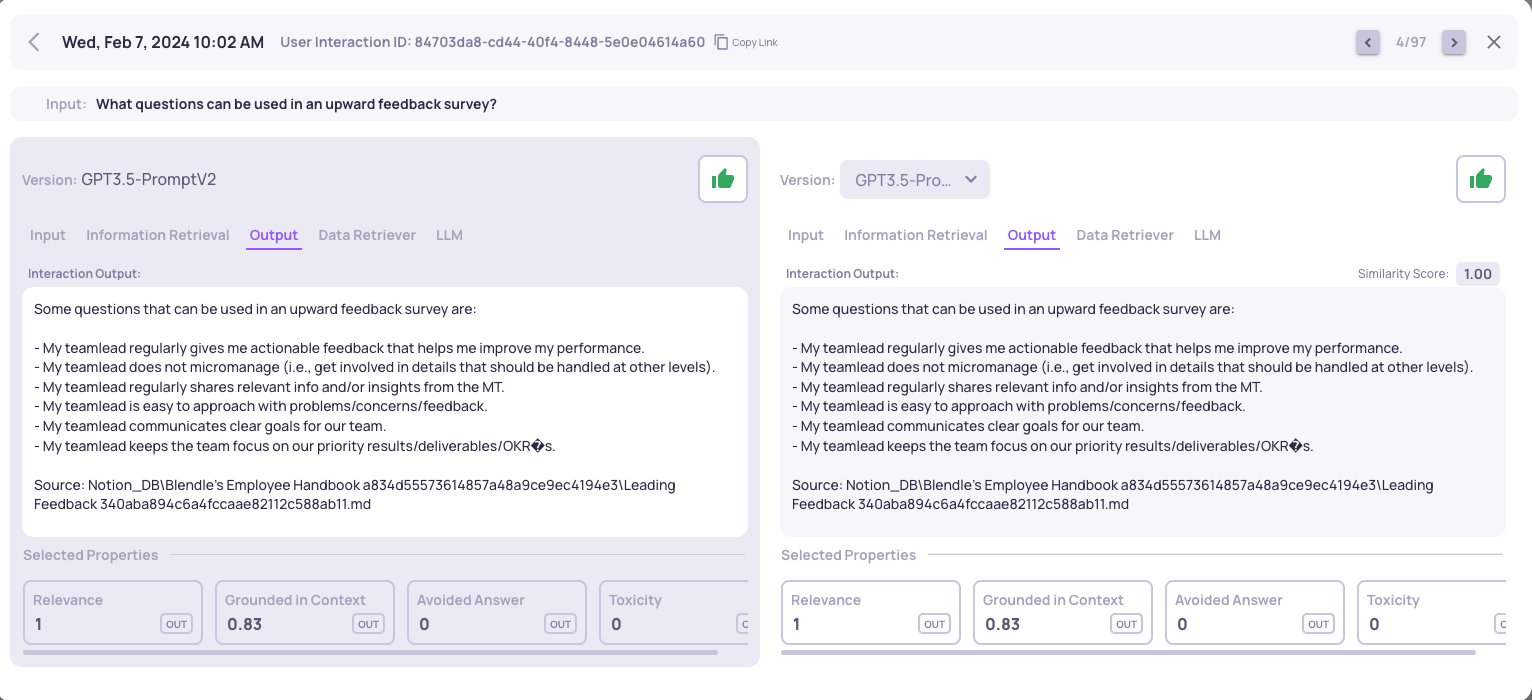
  • Improved view for interaction
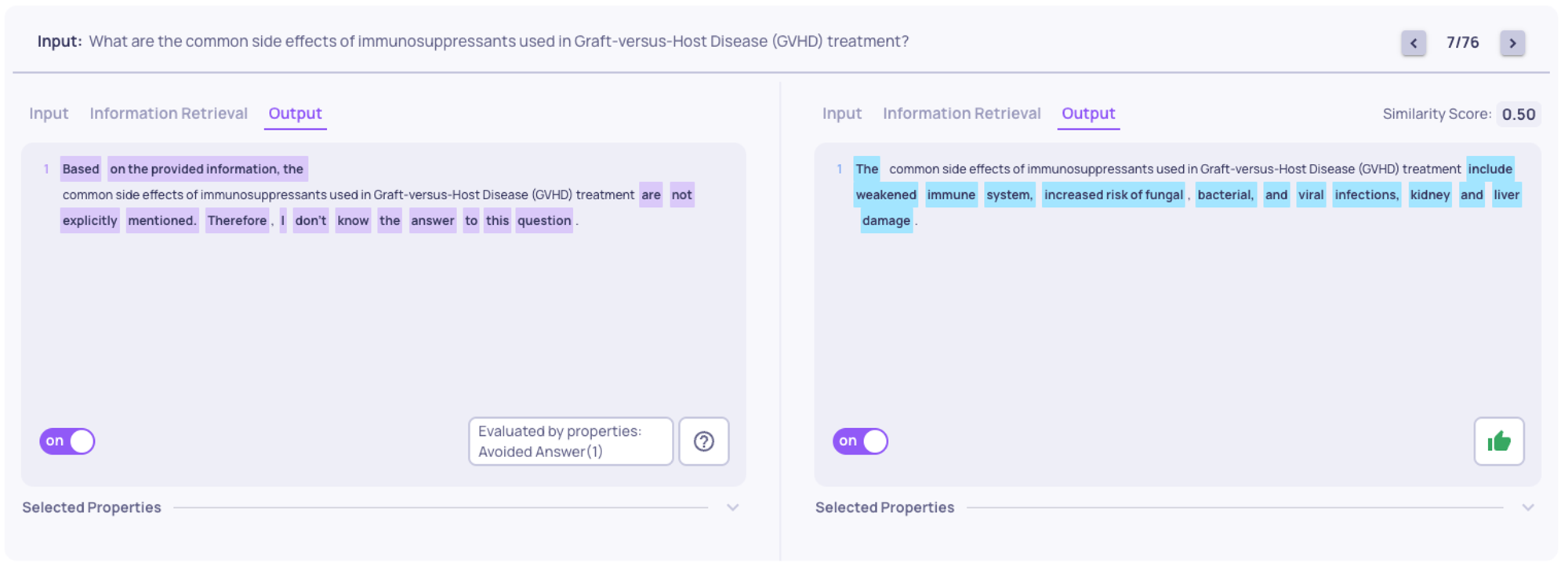
    • Interaction Input and Output can be see together in the interaction view, enabling more efficient annotation.
    • Annotation and annotation reason added to the interaction view.
    • Improved property values view within the interactions view: Viewable properties are consistent throughout all phases, and include the selected properties from the Data page and after them the selected properties from the Overview page.
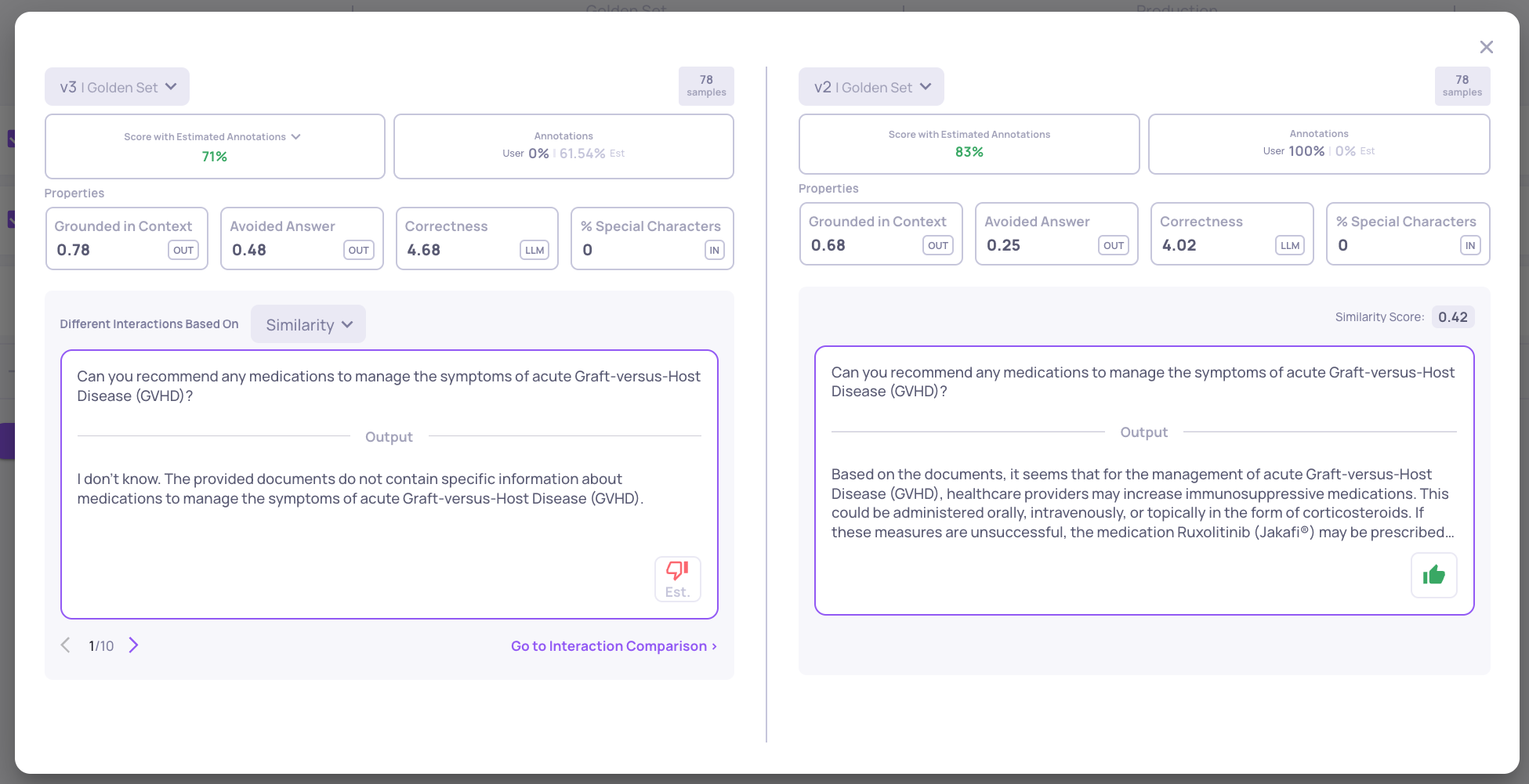
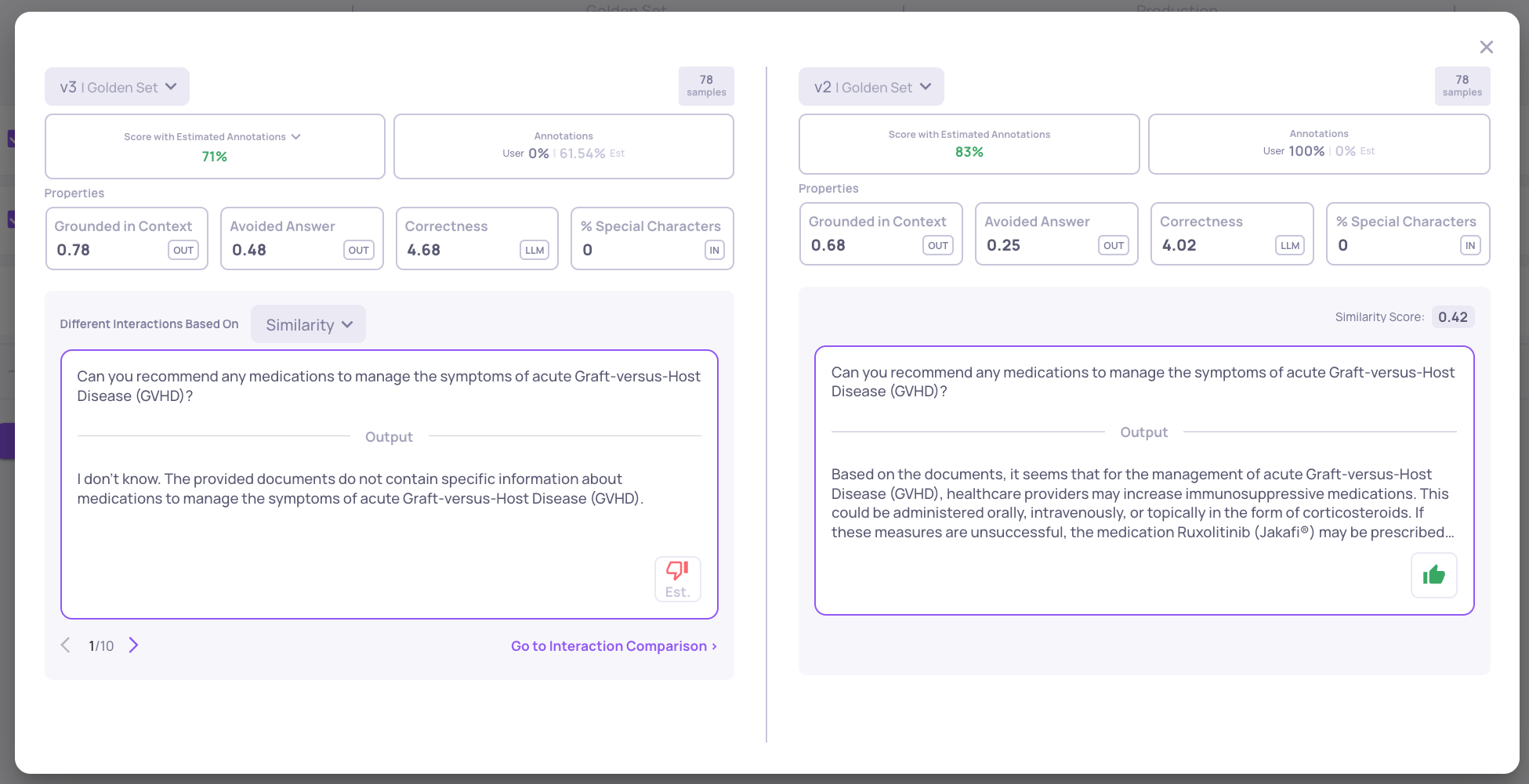
  • Similarity based comparison on user-given IDs
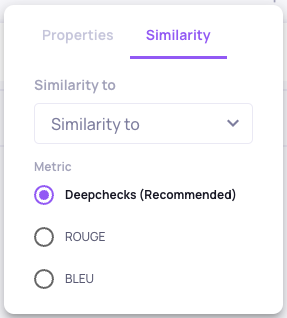
    • For similarity-based annotation, user_interaction_id will be used to identify similar samples across versions. If that id is not supplied, deepchecks will auto-generate ids, and will use the input field to identify similarity.
  • Pending status
    • Interactions with "Unknown" annotation are fed into the auto-annotation pipeline. New "Pending" status to mark that they are still pending calculation, and no result returned yet from pipeline. Results can be: "Estimated Bad", "Estimated Good" or "Unknown" when not able to estimate with the given auto-annotation configuration.
  • Dark Modein Beta
    • Currently configurable within the "Workspace Settings" page
🚧

Summary of Changes

  1. ext_interaction_id was changed into user_interaction_id - This id must be unique within a single version and can be set by the consumer (otherwise deepchecks will generate one for you). This is the only unique id of the interaction.
  2. We've made some name changes - user_input is now input, and response is not output. Additional changes that affect SDK and REST API users are listed below.
  3. We've added an option to set the annotation to None and differentiated it from Unknown.
    1. None - Deepchecks will try to estimate the annotation.
    2. Unknown- the interaction input/output where reviewed, and the annotation for that interaction can't be defined as "Good" or "Bad". Deepchecks will not try to estimate an annotation for this sample.

CSV column name changes:

  1. columnuser_input -> input
  2. columnresponse -> output
  3. columnext_interaction_id -> user_interaction_id

SDK Changes:

  1. Tag.USER_INPUT -> Tag.INPUT
  2. Tag.EXT_INTERACTION_ID -> Tag.USER_INTERACTION_ID
  3. StepType.INFORMATION_RETRIVAL -> StepType.INFORMATION_RETRIEVAL
  4. dc_client.log_interaction() API changed
    1. From:
      def log_interaction(self, user_input: str, model_response: str,..., 
                          ext_interaction_id: str = None, ...)
    2. To:
      def log_interaction(self, input: str, output: str,..., 
                          user_interaction_id: str = None, ...)
  5. dc_client.annotate() API changed
    1. From:
      def annotate(self, ext_interaction_id: str, annotation: AnnotationType)
    2. To:
      def annotate(self, user_interaction_id: str, version_name: str,  
                   annotation: AnnotationType = None, 
                   reason: t.Optional[str] = None)
  6. GoldenSetInteraction member name changes:
    1. user_input -> input
    2. response -> output
    3. response_properties -> output_properties
    4. ext_interaction_id -> user_interaction_id
    5. idproperty was dropped

REST API Main Changes:

  1. POST /api/v1/annotations - Create new interaction schema changed
    1. From
      {
        "ext_interaction_id": "string",
        //...
        "user_input": "string",
        "model_response": "string",
        "annotation": "good",
        //...
      }
    2. To
      {
        "user_interaction_id": "string",
        //...
        "input": "string",
        "output": "string",
        "annotation": "good",
        "annotation_reason": "string",
        //...
      }
  2. GET /api/v1/interactions/{id} - Get single interaction URL changed to: GET /api/v1/application_versions/{app_version_id}/interactions/{user_interaction_id}
  3. PUT /api/v1/annotations- CRUD annotations schema changed
    1. From
      {
        "interaction_id": "3fa85f64-5717-4562-b3fc-2c963f66afa6",
        "value": "good"
      }
    2. To
      {
        "user_interaction_id": "interaction_num_1",
        "application_version_id": 1,
        "value": "good",
        "reason": "user reviewed"
      }